How to track job applications without losing follow-ups
Keep a clear shortlist and application record with Mabasa’s free tracker, status views, a separate reminder routine and a browser-data backup.
Read the guideFREE TO USE · NO ACCOUNT NEEDED
Mabasa’s free application tracker keeps your job-search records in one browser. Add a role and company, choose a status and switch between List, Table and Board views. It works without an account. Follow-up reminders and employer communication remain yours to manage.
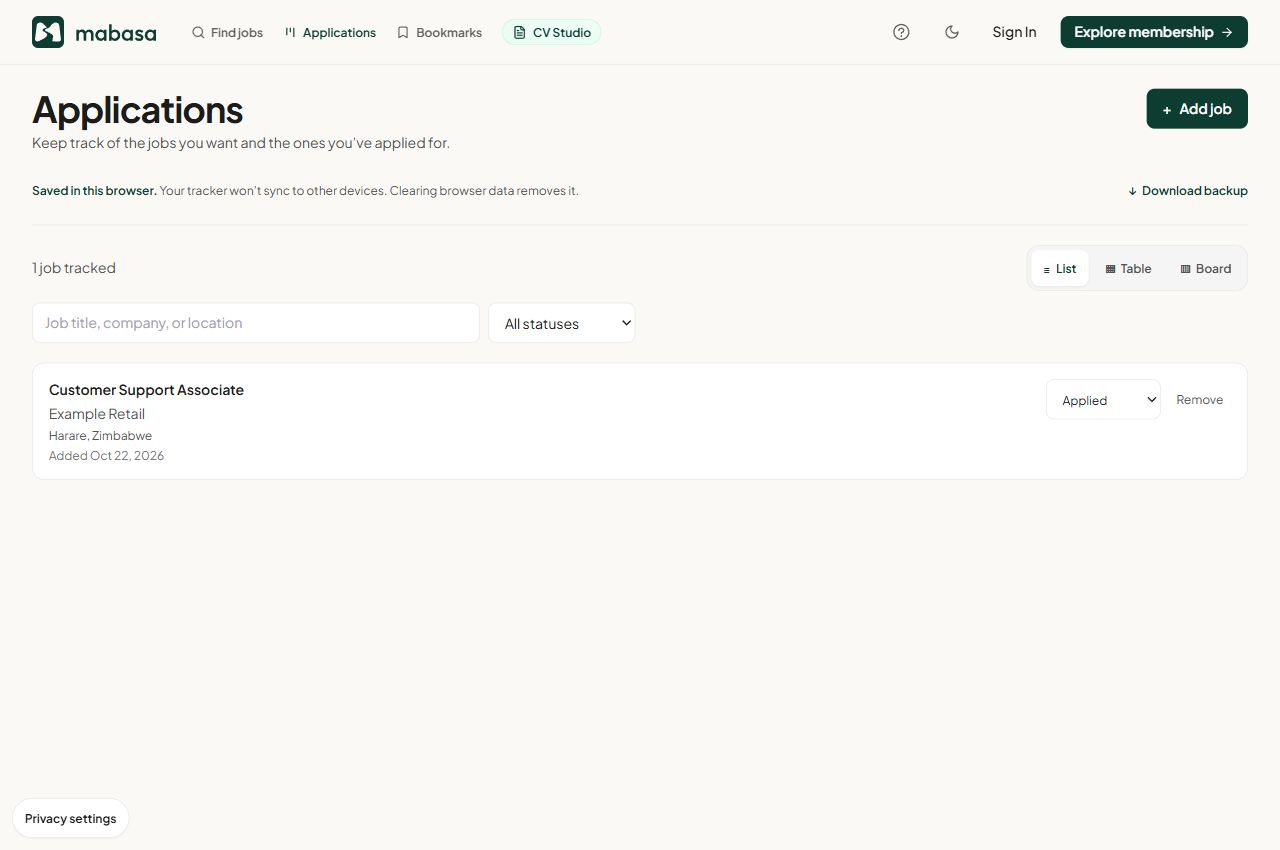
Choose Add job, enter the title and company, and select the stage that reflects what actually happened. A saved opportunity can start as Interested. Change it to Applied once you complete the employer’s submission process.
Use List for a quick review, Table for scanning details or Board for seeing records grouped by stage. Your view preference changes the presentation; it does not create another application.
Guest tracker records are local to the browser profile you use. A different device or browser profile will not automatically show the same records. Clearing site data can remove them.
Download backup saves a JSON copy of the local database, including saved jobs and CV drafts as well as application records. Store it privately. Keep your submitted CVs and confirmation emails separately so you can reconstruct what you sent.